OpenClaw for UX: Build & Run Autonomous Design Workflows
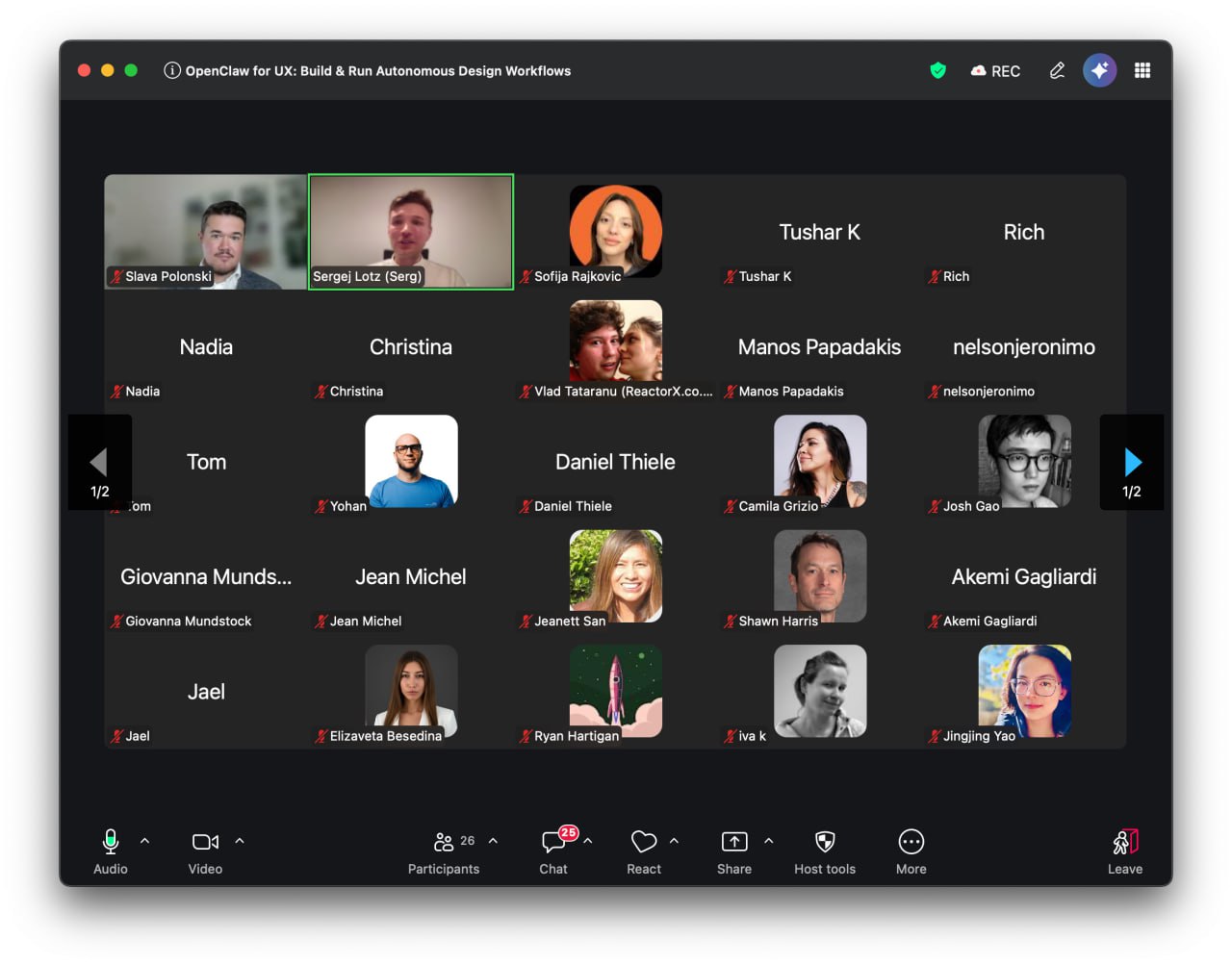
Today we ran a live workshop with Uxcel — bringing together 26 UX and product professionals to explore what autonomous AI workflows actually look like in practice.
The session was led by Serg Lotz and Dr. Slava Polonski (ex-Google UX Research Lead, Uxcel instructor) — and went well beyond the usual "here's how to write better prompts" territory.
What We Actually Showed
The core of the workshop was a live OpenClaw demo: a website being built, iterated, and optimized with minimal manual intervention. Not a slide deck about AI — a real system doing real work, in front of a live audience.
We walked through how OpenClaw handles the parts of UX work that usually eat up hours:
- Frontend design — structured components, not one-off outputs
- Content strategy — content that fits the information architecture, not just fills space
- Accessibility — baked in, not bolted on
- SEO logic — handled as part of the workflow, not an afterthought
The room had designers, product managers, and UX leads. The question that kept coming up: "How is this different from just using ChatGPT?"
The answer: autonomy. OpenClaw doesn't wait for the next prompt. It executes workflows, loops back when something's off, and builds on context across a session. It's the difference between a tool and a teammate.
The "Before and After" Moment
One of the most useful framing exercises was walking through what UX work looks like before and after having an agent in the loop.
Before: A designer spends two hours writing a brief, drafting copy variants, checking contrast ratios, writing alt text, and running the SEO checklist. Some of this is skilled work. A lot of it isn't.
After: The agent handles the repetitive layer. The designer focuses on decisions — what to build, why, for whom. The work gets more interesting, not less.
This isn't about replacing UX professionals. It's about giving them back the headspace to do the work that actually requires human judgment.
Skills: The Multiplier
A big part of the workshop was explaining OpenClaw's skill system — modular, installable capabilities that tell the agent how to work in a specific domain.
For UX and web work, the relevant skills cover accessibility, frontend design, SEO, and content structure. Each one is a set of instructions and context that shapes how the agent approaches a task. You don't have to explain your standards every time — the skill carries them.
We showed how to pick the right skills for a project and how to configure an agent that's genuinely useful from day one.
The Audience
26 attendees. Designers, product managers, UX leads, founders — all practitioners, all already using AI tools, all trying to figure out what comes next.
The questions in the Q&A went deep: concerns about hallucination in production workflows, how to scope what the agent should and shouldn't touch, what the right model is for different tasks, how to evaluate agent output without just re-doing the work yourself.
Good questions. The kind you only get from people who are actually building things.
What's Next
This was the first Uxcel x OpenClaw session. It won't be the last.
If you want to set up your own OpenClaw agent, the framework Serg walked through in the workshop covers everything from installation to production configuration. Reach out directly or follow along at webentity.ai.
- Workshop hosted by: Uxcel
- Instructors: Serg Lotz & Dr. Slava Polonski
- Original event: lu.ma/UxcelOpenClawWorkshop